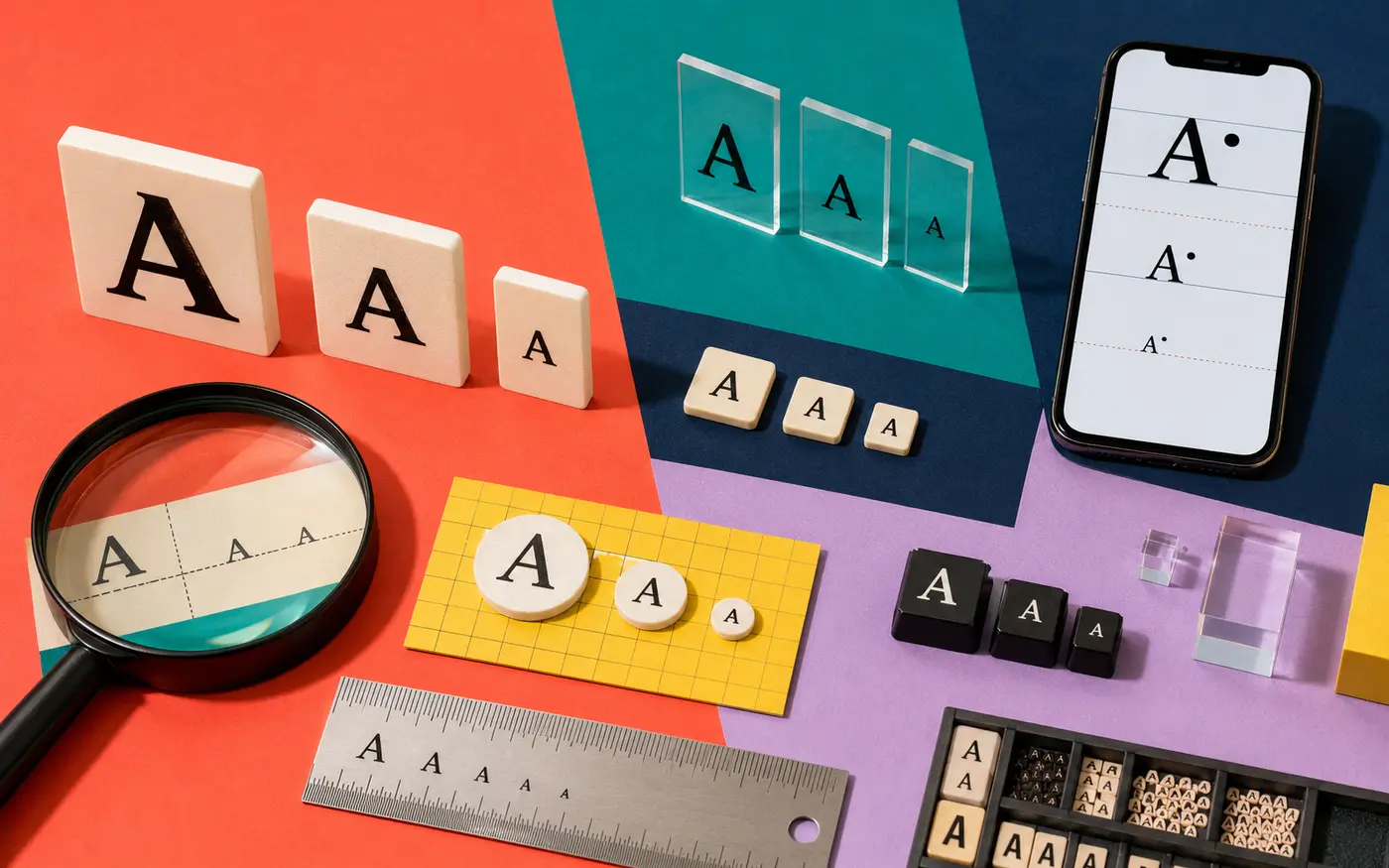
Small caps, tiny text, and superscript can all make letters look smaller—but they are not interchangeable. Small caps imitate capital letterforms at a compact height. Superscript raises characters above the baseline. “Tiny text” is an informal generator label that may combine superscript, subscript, modifier letters, and other Unicode symbols.
Last reviewed: August 31, 2026
Small caps, tiny text, and superscript at a glance
| Style | Example | Position | What it communicates |
|---|---|---|---|
| Small caps | ꜱᴍᴀʟʟ ᴄᴀᴘꜱ | On the normal baseline | Compact label or editorial accent |
| Superscript | ˢᵘᵖᵉʳ | Raised above the baseline | Footnote, exponent, or raised accent |
| Tiny text | ᵗⁱⁿʸ / ₜᵢₙᵧ | May be raised, lowered, or mixed | A visual effect rather than one standard alphabet |
Where these copy-and-paste characters come from
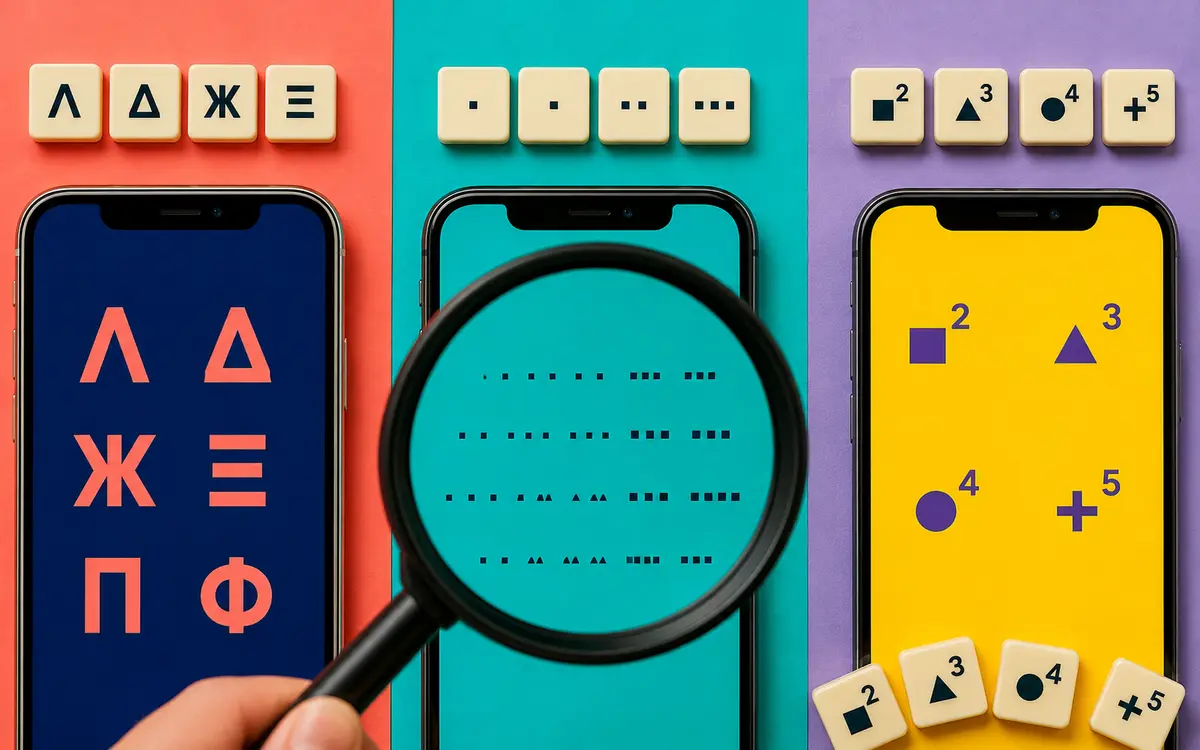
Unicode does not contain one universal “tiny alphabet.” Generator outputs borrow characters from several blocks, including Phonetic Extensions, Spacing Modifier Letters, Superscripts and Subscripts, and sometimes Mathematical Alphanumeric Symbols.
Those characters were encoded for specific linguistic, phonetic, mathematical, or technical uses—not as a social-media font menu. Unicode’s Phonetic Extensions notes say small-cap, superscript, and subscript forms are intended for phonetic contexts where the distinction matters; for general text, it recommends regular letters with markup.
That does not make a decorative paste impossible. It explains why the result can behave differently from CSS small caps, a real OpenType font feature, or an editor’s superscript command.
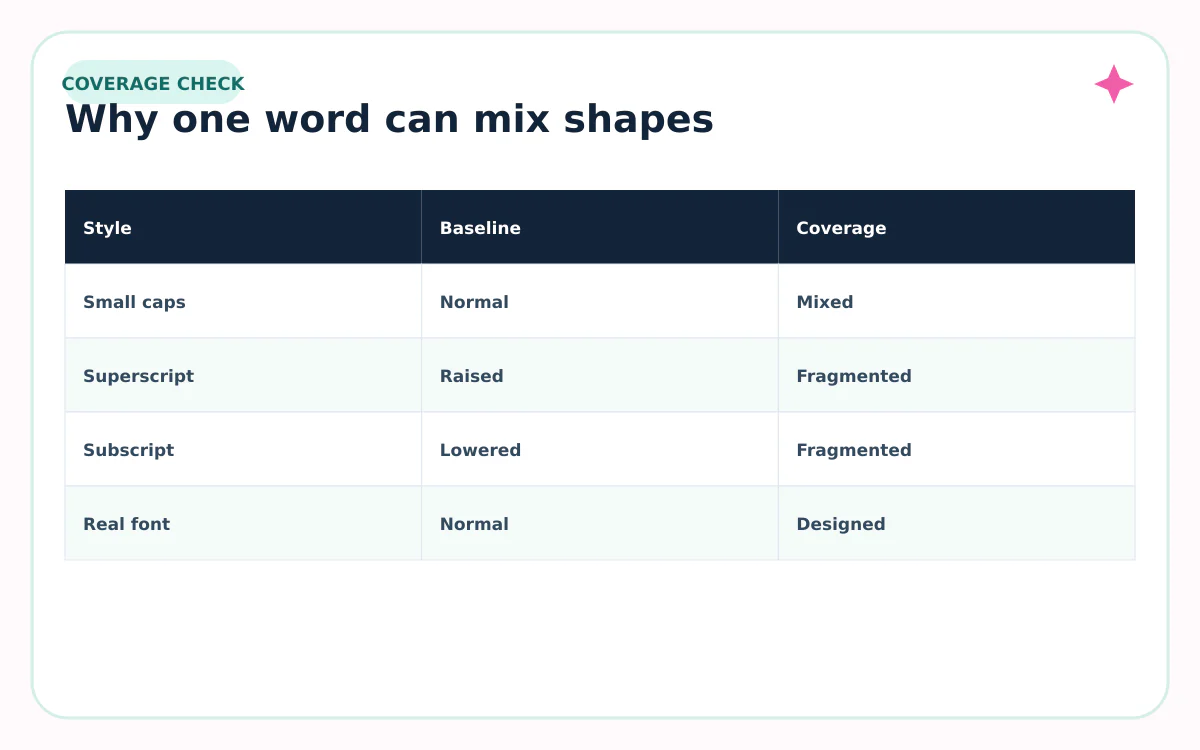
Why the A–Z alphabet may look inconsistent
The source blocks were created to meet real writing-system and notation needs, so their coverage is not a matching retail font family. A generator may substitute the closest available symbol, leave an ordinary letter unchanged, or use a character with a slightly different shape.
The receiving app also chooses the font. Two characters from different Unicode blocks can pick different fallback fonts, making height, stroke, or spacing change in the middle of a word.
| What you notice | Likely reason | What to do |
|---|---|---|
| One letter stays full size | No suitable mapped symbol | Rewrite or use a real font |
| Heights do not match | Mixed Unicode blocks or fallbacks | Shorten the text |
| A box or blank appears | Missing glyph in the device font | Use a simpler style |
| Search misses the word | Characters are not ordinary letters | Keep keywords plain |
When to use each style
- Small caps: short labels, compact display names, section markers, or one quiet accent.
- Superscript: a footnote cue, ordinal marker, exponent, or one deliberately raised word.
- Tiny text: a playful aside where perfect coverage and search are not essential.
- Real font small caps: documents, websites, print, and longer content you control.
- Native editor superscript: math, references, and professional documents.
What happens when you paste small or raised Unicode text
- The app receives the substituted Unicode characters—not your original formatting choice.
- Its current font tries to draw each character and may use fallbacks.
- Line height, wrapping, search, speech output, and moderation can treat the sequence differently.
- Copying the result again preserves the substituted characters unless another system normalizes or rejects them.
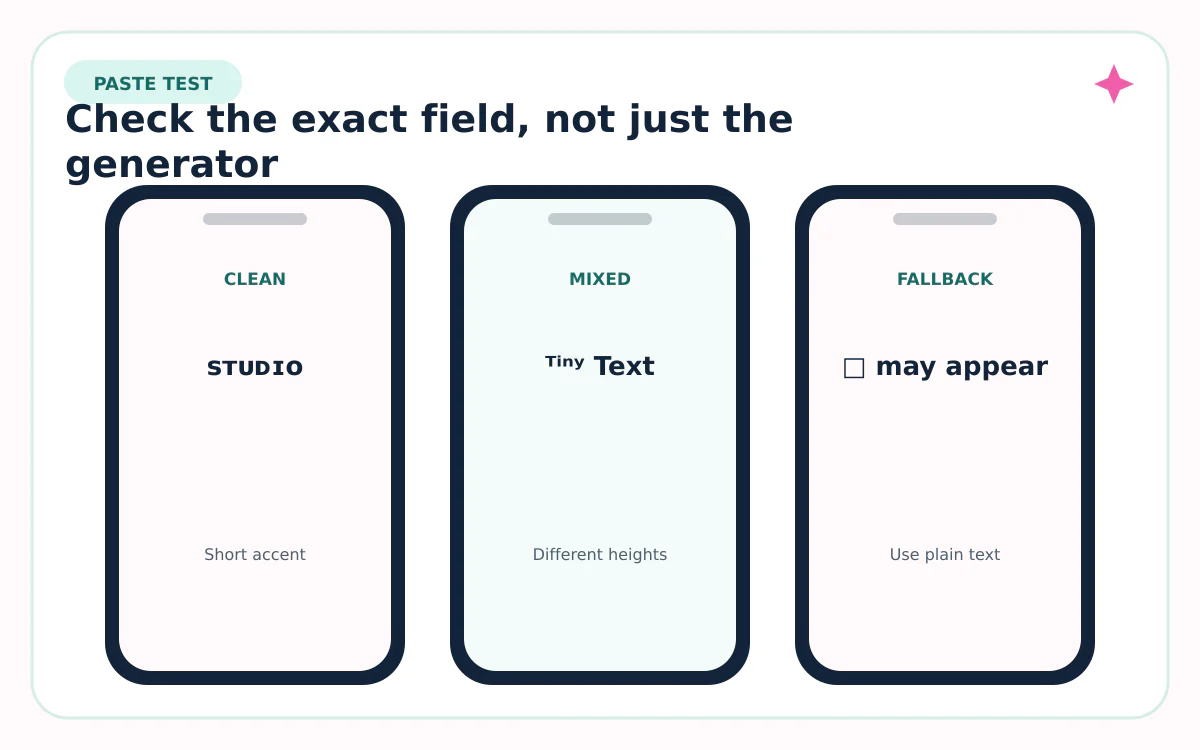
Always test the final field on at least one phone and one desktop view. If a letter becomes a box, the simplest repair is to replace that word with ordinary text—not to stack more symbols around it.
Sources reviewed
Platform features and character rules can change. We checked the first-party and standards sources below on August 31, 2026.
Frequently asked questions
Is small-caps text a real font?
A real typeface can include designed small-cap glyphs, but copy-and-paste small caps usually use separate Unicode characters from several blocks.
Is tiny text the same as superscript?
Not always. Tiny-text generators may offer raised superscript, lowered subscript, small-cap-like letters, or mixed substitutions.
Why are some superscript letters missing or different?
Unicode coverage developed for specific notation and language needs, not as one visually matched A–Z social alphabet. Generators and fallback fonts fill gaps differently.
Can I use these styles in a username?
Many platforms restrict usernames to a small character set. Try flexible fields such as a display name or bio, and keep the unique handle plain.
Which option is most accessible?
Ordinary characters styled with a real font or native markup are usually safer. Decorative Unicode can change pronunciation, search matching, and glyph support.