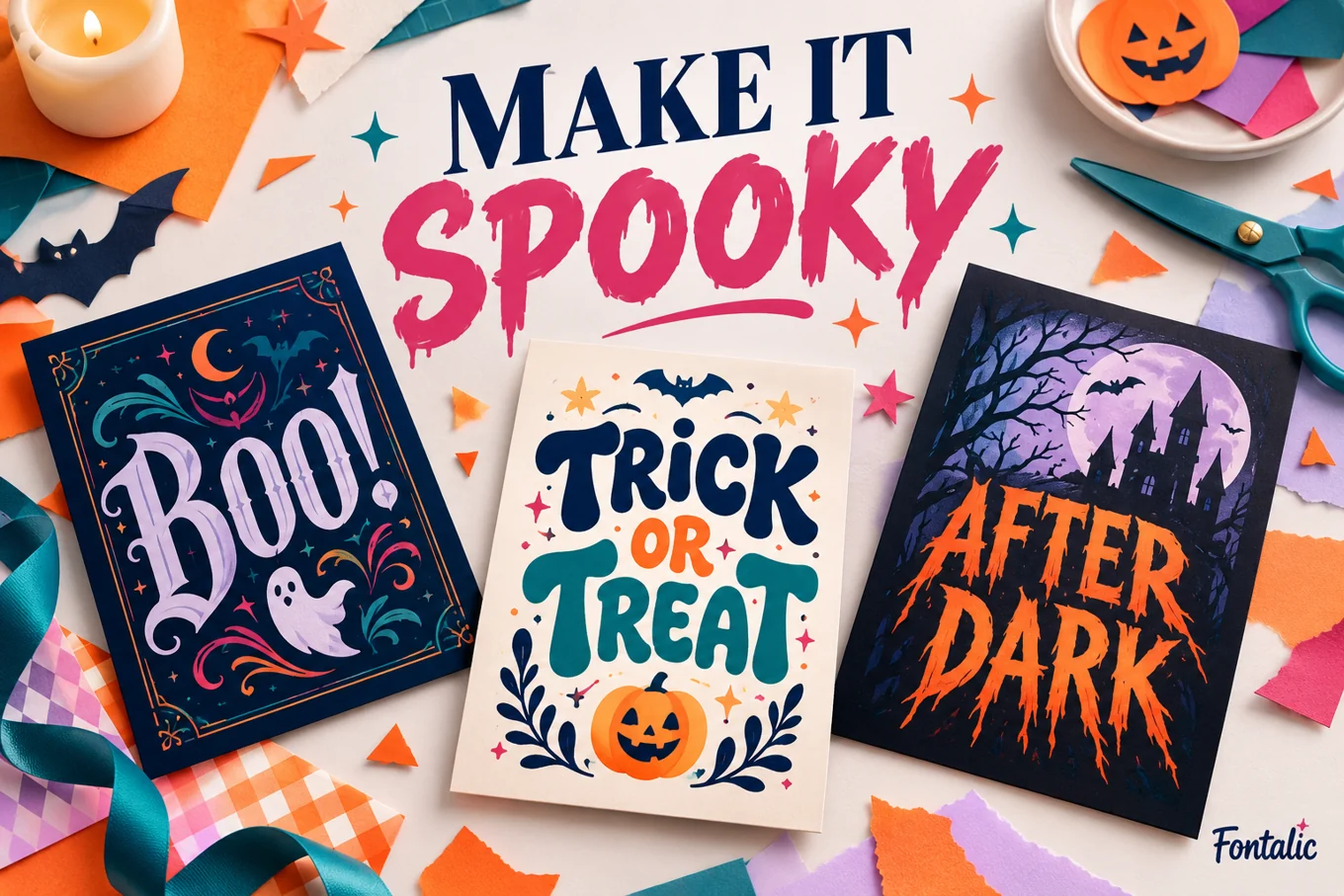
A Halloween font in Canva should match the project: playful lettering for a family party, dripping letters for a horror headline, or sharp shapes for a dark concert-style poster. Start with your actual wording, then compare a few fonts at the size people will read.
This guide explains how to search your Canva font menu and, when your plan and role allow it, upload a licensed font. The four downloadable options below are recommendations to search for or upload. They are not a promise that every font is included in every Canva account.
Four Halloween fonts to consider for Canva
| Font | Try it for | Keep in mind |
|---|---|---|
| Creepster | Playful spooky headings | Keep the supporting details plain |
| Nosifer | Dripping horror titles | Leave extra room below the letters |
| Butcherman | Rough, dramatic display text | Use a short phrase at a generous size |
| Metal Mania | Dark party or music posters | Check every word for quick recognition |
Creepster: start with a playful headline
Try Creepster when the design needs a lively spooky mood without relying on a long row of symbols. Use it for the event name, then place the date and location beneath it in a simple sans serif. A short two- or three-word heading gives its irregular shapes room.
Pumpkin Party
[Date] • [Time] • [Place]
Nosifer: let the drip effect be the decoration
Nosifer is a strong choice for a deliberately theatrical horror headline. Avoid placing another line tightly beneath the display text. Start with generous line spacing, then inspect the exported result for clipping. Keep the rest of the design quiet so drips, textures and illustrations do not all compete.
Night Shift
A short headline with a simple supporting line
Butcherman: use a large, rough title
Try Butcherman for a haunted-house title or a dramatic event graphic. Treat it as display lettering. If the heading becomes hard to recognize when you zoom out, shorten it rather than squeezing it into a narrower box. Long addresses and ticket instructions belong in a simpler font.
Metal Mania: build a darker poster
Metal Mania can give a short headline a sharper, music-poster direction. Test the actual event name rather than judging only the font’s own name. Repeated narrow letters and unfamiliar words can read differently from a familiar phrase.
Midnight Gathering
Keep essential details clear and evenly spaced
These four families have SIL Open Font License files in the Google Fonts repository, linked below. Download from the original listing and keep the license with your project files. Canva’s own content and other uploaded assets have separate terms.
For official family listings and downloads, use our license-checked Halloween font collection.
Find a Halloween font in Canva
Open the design, select the text you want to change, and search the font menu by the exact family name. Check the availability or plan indicator shown in your account. Apply the font to a duplicate text box first so you can compare it against the original without rebuilding the layout.
If the family does not appear, choose a similar font already available in the menu or use the upload route below if you have access. A font being free to download elsewhere does not mean Canva must include it in its library or let every plan upload it.
Upload a font when your account supports it
Canva lists font uploading for eligible paid, education and nonprofit plans, with role restrictions. In Brand, choose the relevant Brand Kit, open Fonts, then use Add to category and Upload a font. Canva supports OTF, TTF and WOFF files; the license must allow embedding. Use the official help link below for the current interface and eligibility details.
After uploading, select a text box and look under Uploaded fonts in the font menu. If it is missing, check that you are in the correct Brand Kit. Do not assume an upload succeeded just because a file was selected.
Pair Halloween fonts with a simple companion
Give each font one job. The Halloween face carries the event name; a plain companion handles the date, location and explanation. Start with two families at most. Extra styles rarely solve a hierarchy problem as effectively as a clearer size difference or more space.
Family party layout
Use a playful heading, a warm light background and one pumpkin illustration. Put the event details in a single, readable block. For a small invitation, a short heading plus three detail lines is easier to scan than text scattered around every corner.
Horror-night layout
Use a dramatic display face on one line and a high-contrast supporting block. Leave empty space around the title. If the background already contains smoke, texture or a busy photograph, place the small text on a solid area rather than directly over the busiest part.
Social graphic layout
Preview the exported graphic on a phone. The headline should be understandable without zooming, and the caption should repeat the essential information in ordinary text. A decorative image alone is not a useful event announcement for someone who cannot read it.
Troubleshoot missing fonts and broken lettering
- Font not found: check spelling, account availability and the active Brand Kit.
- Upload unavailable: check the account plan and your team role before redesigning around a custom font.
- Marks or letters missing: test the exact wording, punctuation and language in the font.
- Drips clipped: enlarge the text box and give the line more vertical space.
- Unreadable at small size: shorten the heading or choose a simpler style.
A Fontalic copy-and-paste result is a different product from a font file. Pasting stylized Unicode into Canva does not install Creepster or any other family. For editable typography inside a design, choose a real font through Canva’s font menu.
Frequently asked questions
Are all Halloween fonts in Canva free?
No blanket claim is reliable. Check the font’s current availability in your account. Downloadable font licenses and Canva plan access are separate questions.
Can I upload a free font to Canva?
Only when your account and role support uploading and the font’s license allows the intended use and embedding.
Which font should I try first?
Try Creepster for a playful headline or Nosifer for a dripping horror direction. Compare the actual phrase at its final size before deciding.
Sources