About this Papyrus text generator
Want text with a rough, hand-drawn feel instead of the usual clean digital look? Type or paste your words into the generator above and explore Papyrus-inspired styles you can copy and use in bios, captions, display names, messages, and other short pieces of text.
At Fontalic, nothing needs to be installed. Copy a Unicode style for bios and messages, or customize a picture and download it as a PNG.
How to use the Papyrus font generator
- Type your text. Add a name, phrase, caption, or anything else to the box above.
- Browse the styles. Try a few options instead of stopping at the first one. Shorter text usually makes it easier to compare the details.
- Copy and paste. Copy your favorite result and test it in the app or profile where you plan to use it.
Quick tip: these are copy-and-paste text styles rather than an installation of the official Papyrus typeface. The exact appearance can vary a little between devices and apps.
What makes Papyrus so recognizable?
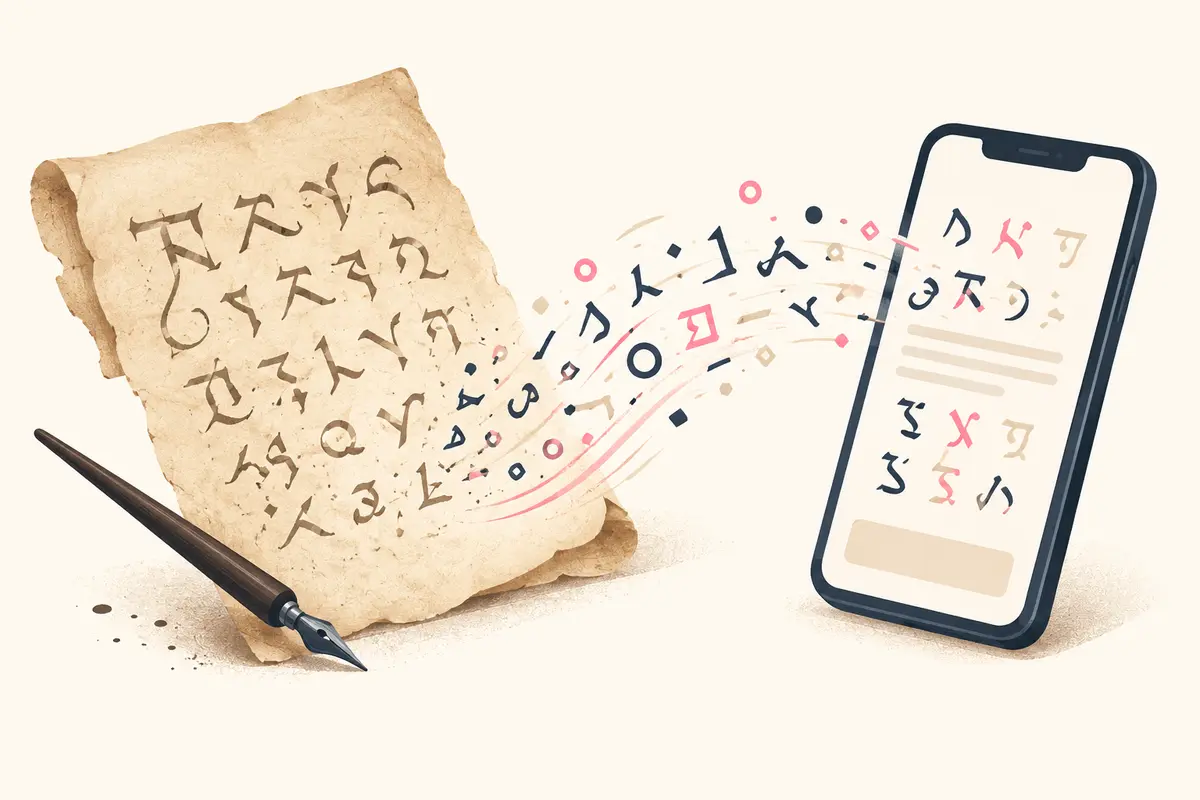
Papyrus is one of those typefaces people tend to recognize even when they do not know its name. Its uneven edges, sweeping curves, and handmade texture give it an organic look that feels very different from a polished sans serif.
The original Papyrus typeface was designed by Chris Costello. On the designer’s description of Papyrus, Costello describes it as combining traditional Roman letterforms with a hand-crafted calligraphic feel, inspired by ancient Mediterranean culture and the Bible. Microsoft Typography also lists Costello as the designer and describes Papyrus as an unusual Roman typeface with a hand-crafted calligraphic look. Those details help explain why the style feels part calligraphy, part weathered lettering, and immediately distinctive.
Where can you use Papyrus-style text?
It works best when you want a small piece of text to feel different from everything around it. Try it for:
- Instagram or TikTok bios
- Social captions and short posts
- Display names and usernames
- Discord profiles or gaming names
- Invitations, mood boards, and creative ideas
- Short headings or decorative phrases
For longer paragraphs, normal text is usually easier to read. A little personality goes a long way, so Papyrus-style text often works better as an accent than as the whole page.
Why might the copied text look different elsewhere?
Copy-and-paste font generators generally use special Unicode characters rather than changing the actual font installed on your device. Apps and operating systems render those characters with their own available fonts, so a result may look slightly different on another phone, browser, or social platform. If a style is important, paste it into the destination first and make sure it looks the way you expect.
Is Papyrus the Avatar font?
The Avatar film logo is often associated with Papyrus, although the lettering was modified for the title treatment. For a similar fantasy mood, use the picture creator above and adjust the spacing, colors and background. Copy-and-paste Unicode text will not reproduce the film logo exactly.
What does Papyrus mean in Undertale?
Papyrus is a well-known character in Undertale whose name references the Papyrus typeface. The game’s interface and dialogue also have a pixel-art look, so an Undertale-style result is different from ordinary Papyrus copy-and-paste text.
Fonts similar to Papyrus
If you want the same handcrafted or ancient mood without copying the exact typeface, these styles are useful starting points:
Metamorphous
Rough, historic lettering suited to fantasy titles and posters.
Fondamento
A flowing calligraphic style for invitations and decorative headings.
Macondo
Expressive handmade shapes with a playful, organic character.
Eagle Lake
An ornate display style for fantasy names and short quotes.
Caudex
A more readable old-world option for headings and supporting text.
Papyrus font generator FAQs
Can I download my Papyrus-style text as a picture?
Yes. Use the picture creator above, customize the design and select Download PNG.
Which PNG sizes are available?
You can create a 1200 × 630 landscape image, a 1080 × 1080 square or a 1080 × 1920 story image.
Is this the official Papyrus font file?
No. This tool creates Papyrus-inspired copy-and-paste text styles. It does not install or distribute the official Papyrus typeface.
Is the Papyrus Font Generator free to use?
Yes. Copy-and-paste styles and the PNG picture creator are free to use, with no sign-up required.
How do I copy a Papyrus-style font?
Type your text above, then click the Copy button beside any style. Paste it into the app, profile, message, or document where you want to use it.
Can I use the generated text on Instagram, TikTok, or Discord?
Usually, yes. These styles use copy-and-paste Unicode characters, so they work in many bios, captions, display names, and messages. Some characters may render differently on certain devices.
Why does the copied text look different on another device?
Apps and operating systems can render Unicode characters with different available fonts. If the exact look matters, paste the style into its final destination and check it there first.
What kind of text works best with Papyrus-style fonts?
Short text works best: names, bios, captions, labels, usernames, and decorative phrases. For longer paragraphs, normal body text is usually easier to read.
Ready to try it? Scroll back to the generator, type something you actually use, and see which version feels right.
