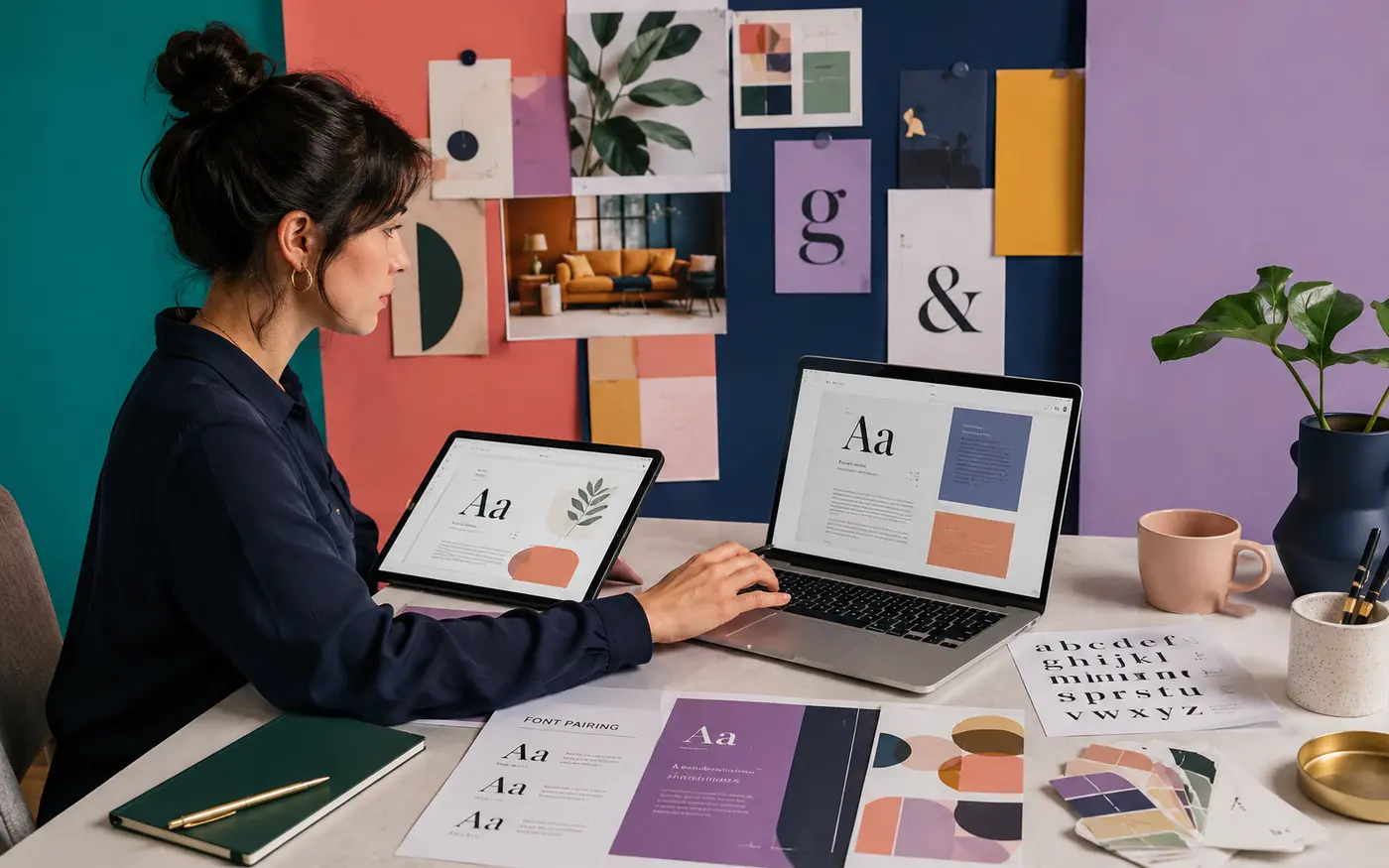
The safest aesthetic font list is one you can actually use in both editors. Start with Google Fonts families, search the current Canva and Google Docs menus, and preserve the pairing roles if one family is unavailable. The 12 combinations below balance a distinctive heading with body text that still works in a proposal, study guide, social post, or client handoff.
Last reviewed: August 31, 2026
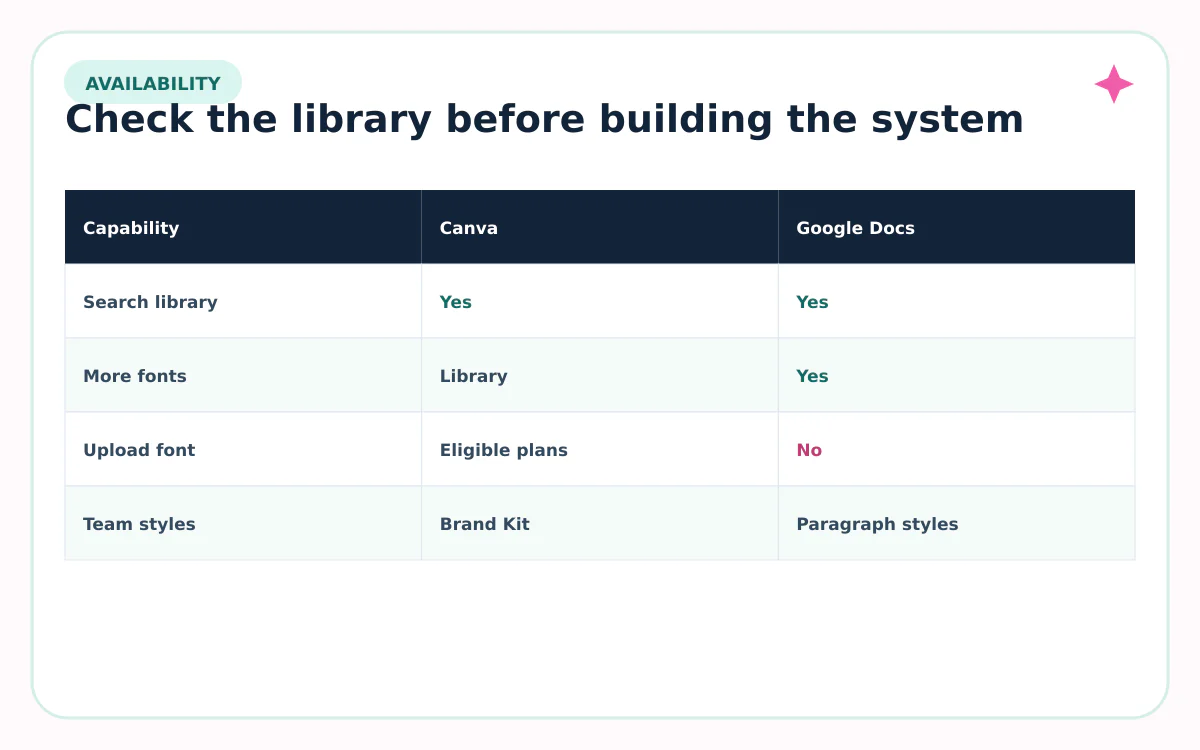
Canva and Google Docs do not share one identical font library
Google Docs lets you expand its menu with More fonts, drawing from web-font options available to the product. It does not work like a desktop layout app where you can upload any local font file into a document.
Canva’s library and plan features can differ. Canva’s Help Center says eligible paid, education, and nonprofit plans can upload licensed OTF, TTF, or WOFF files through Brand Kit. Uploaded fonts then appear with other Canva fonts.
12 aesthetic font pairings to search in Canva and Google Docs
| Pairing | Best use |
|---|---|
| Playfair Display + Montserrat | Elegant social graphics and invitations |
| DM Serif Display + DM Sans | Editorial covers and polished reports |
| Libre Baskerville + Source Sans 3 | Education, guides, and long-form documents |
| Cormorant Garamond + Lato | Fashion, travel, and premium mood boards |
| Abril Fatface + Open Sans | Bold food, beauty, and event headlines |
| Bodoni Moda + Poppins | High-contrast campaigns and product launches |
| Great Vibes + Montserrat | Short names on weddings and celebrations |
| Space Mono + Work Sans | Tech notes, portfolios, and retro-modern layouts |
| Bebas Neue + Roboto | Posters, workouts, and attention-first graphics |
| Raleway + Merriweather | Professional decks with a warmer reading face |
| Josefin Sans + Lora | Lifestyle brands and friendly editorial pages |
| Outfit + Spectral | Modern interfaces paired with comfortable body copy |
Availability can change by account, plan, language, and product surface. Treat this as a researched shortlist, then confirm the current menus in your own workspace.
Choose a pairing by the project, not the trend
| Project | Start with | Why |
|---|---|---|
| Resume or proposal | Libre Baskerville + Source Sans 3 | Professional tone with readable detail |
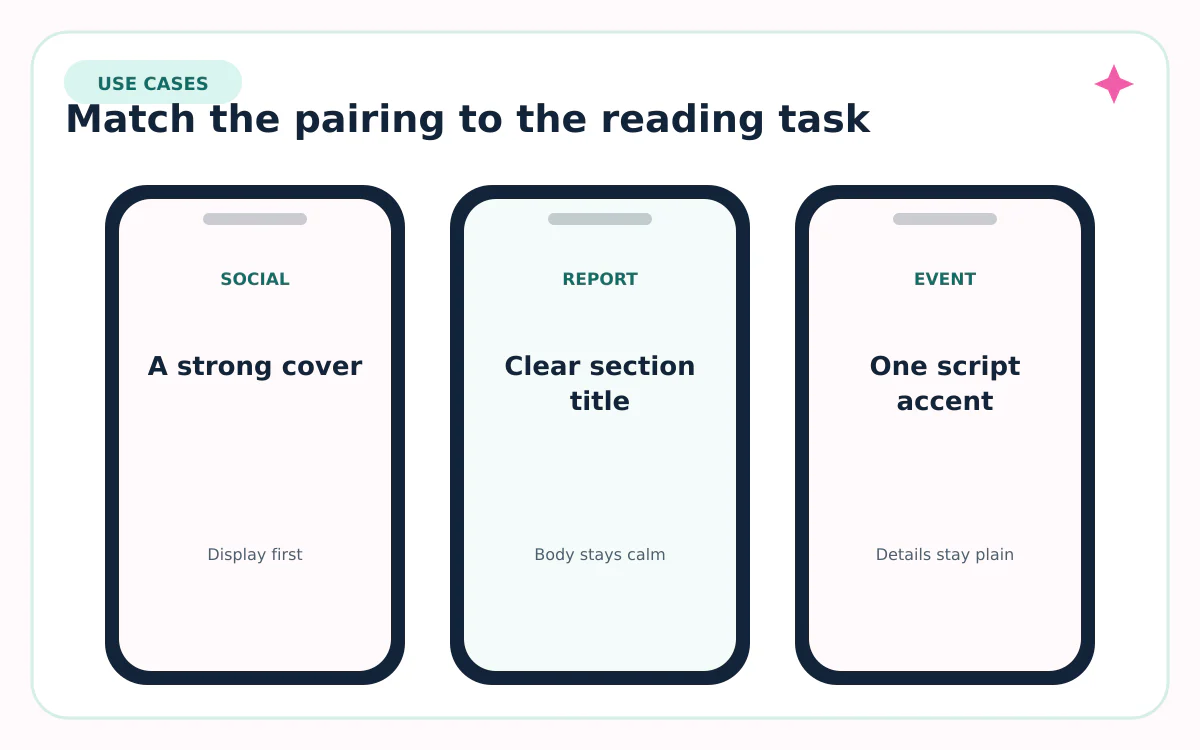
| Social carousel | Abril Fatface + Open Sans | Strong cover, calm supporting slides |
| Wedding or event | Great Vibes + Montserrat | One script accent with clear logistics |
| Study guide | DM Serif Display + DM Sans | Friendly hierarchy without novelty |
| Tech portfolio | Space Mono + Work Sans | Structured accent plus readable explanation |
| Brand presentation | Outfit + Spectral | Modern headings and comfortable narrative text |
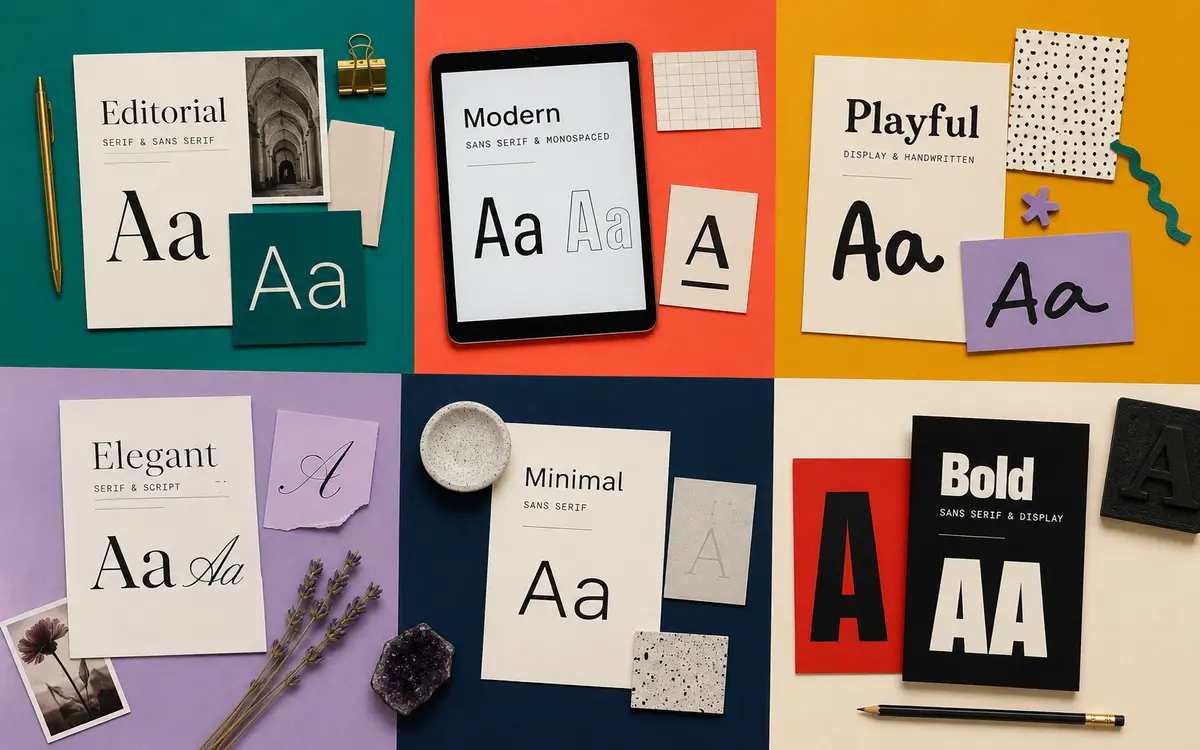
How to set up an aesthetic font system in Canva
- Search the heading and body families in the Canva font menu.
- Choose one weight for headings and one or two body weights.
- Create a sample page with a title, subtitle, paragraph, and caption.
- Check punctuation, numerals, accented letters, and bold or italic styles.
- If your plan supports Brand Kit, save the hierarchy as brand text styles.
- Upload a custom font only when your license permits it and the required styles are included.
Canva notes that uploaded families need separate regular, bold, and italic files when you want those styles. Missing weights can cause faux styling or unexpected substitutions in team templates.
How to use the same hierarchy in Google Docs
- Open the font menu and select More fonts.
- Search for each available family and add it to your menu.
- Apply the display face to Title and Heading styles—not every paragraph.
- Use the supporting family for Normal text, lists, tables, and captions.
- Update each paragraph style to match, then save a clean template copy.
- Open the file in a second account or export a PDF to check substitutions.
For a collaborative document, consistency matters more than novelty. If teammates cannot access the exact heading family, choose a broadly available alternative. Do not turn paragraphs into images just to preserve a decorative font; selectable text is easier to edit, search, translate, and read.
Sources reviewed
Platform features and character rules can change. We checked the first-party and standards sources below on August 31, 2026.
Frequently asked questions
Can I upload my own font to Google Docs?
Google Docs does not provide the same custom-font upload workflow as Canva. Use More fonts to add supported web-font families to your menu.
Can I upload a custom font to Canva?
Canva says eligible plans can upload licensed OTF, TTF, and WOFF files through Brand Kit. Plan access and workspace permissions can vary.
Are all Google Fonts available in Canva?
Do not assume identical catalogs. Search the current Canva library and Google Docs More fonts menu before building the full project.
How many fonts should a document use?
Two families are enough for most projects: one distinctive face for headings and one readable family for body text. Weight, size, and spacing create the rest of the hierarchy.
What makes a font pairing aesthetic?
A clear contrast in form or tone plus consistent size, spacing, alignment, and color. The body face still needs to remain comfortable at paragraph size.